


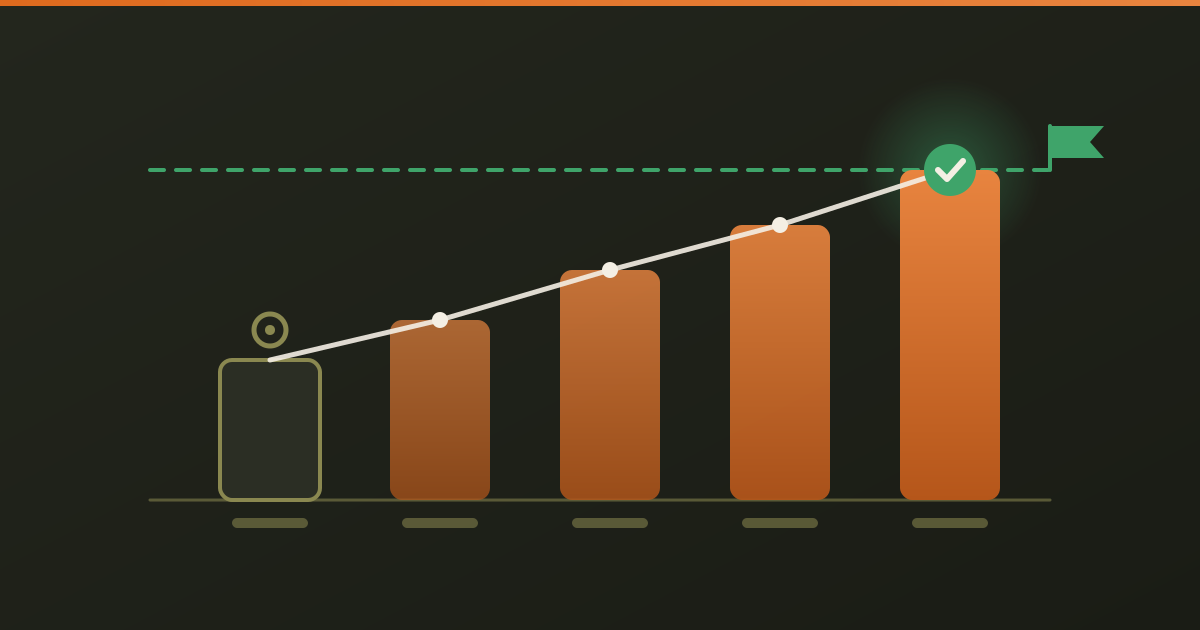
Disclosure: Iris is our product. This note says what the new report does, where its numbers come from and what it leaves out.
Someone evaluating Iris this week asked for three things every client asks for sooner or later: the numbers at the start of the project, the numbers we are aiming for, and how it is going month by month. Iris had every measurement. It scored the site on each scan and counted how often AI assistants named it on each citation check. What it did not have was a report that put a start, a goal and a month next to each other. Since 11 November 2026 it does.
What does the progress report show?
One table per site, with a row for each thing Iris measures:
- SEO score: the average of the pages a whole-site scan read, from 0 to 100.
- AI-search readiness: how quotable those pages are for answer engines, from 0 to 100.
- Named in AI answers: in a citation check, the share of answers from live web-search AI engines that name the site, for example 3 of 12.
Each row has four columns: the value at the start, the latest value, your goal, and the progress between them, which reads “Goal reached” or says how many points are left. Every value carries the date it was measured. Under the table, a month-by-month list shows the last scan and the last citation check of each month. A month with no scan says so; it is not skipped.
Where do the goals come from?
From you. You type them in the workspace, under the progress tracker of the site, and you can change them at any time. Iris does not fill them in from industry averages, because it has no benchmark for your trade that it could stand behind, and a target invented by a tool is worse than no target. Two reference points that are true of Iris’s own scale: 70 or more is the green band for both scores, and a citation check counts a small number of answers, so that share moves in steps.
How do you set it up?
- Run a whole-site scan. The oldest scan of a site becomes its starting point. If that scan was a false start, pick another scan as the start.
- Run a citation check, so the third row has a baseline.
- Enter your goals under the progress tracker and press Save goals.
- Press Share report on the scan and send the link. Once a goal is saved, the link shows the progress report under the scores.
- Re-scan after your changes go live, at least once a month. The same link shows the new numbers, so nobody needs a new link.
What happens to the starting point on a long project?
It stays. Saved history holds a fixed number of entries per plan, so on a long project the first scan would drop off the list in the end. The progress report keeps the starting point and each month’s result in a small record of its own, apart from the history list. A report in month twelve still starts where the project started.
What does the report not measure?
Visits, calls, form requests and Google rankings. Those live in Google Search Console, in a Google Business Profile and in your own inbox, and Iris reads none of them. If your client pays for calls, put those numbers next to the Iris report; a score should not stand in for revenue. Iris also does not promise that a better score brings a mention: being named by an AI assistant depends mostly on what other sites say about you, which is why the report counts real answers and does not predict them.
What does it cost?
Nothing extra. The report is built from scans and citation checks you have already run, so opening it uses no runs, for you or for the client reading the link. It comes with whole-site scans, which start on Iris Seedling at $9 a month. The free single-page audit does not include it.
Start with the free audit at /iris, or read every feature step by step at /iris-how-it-works.