


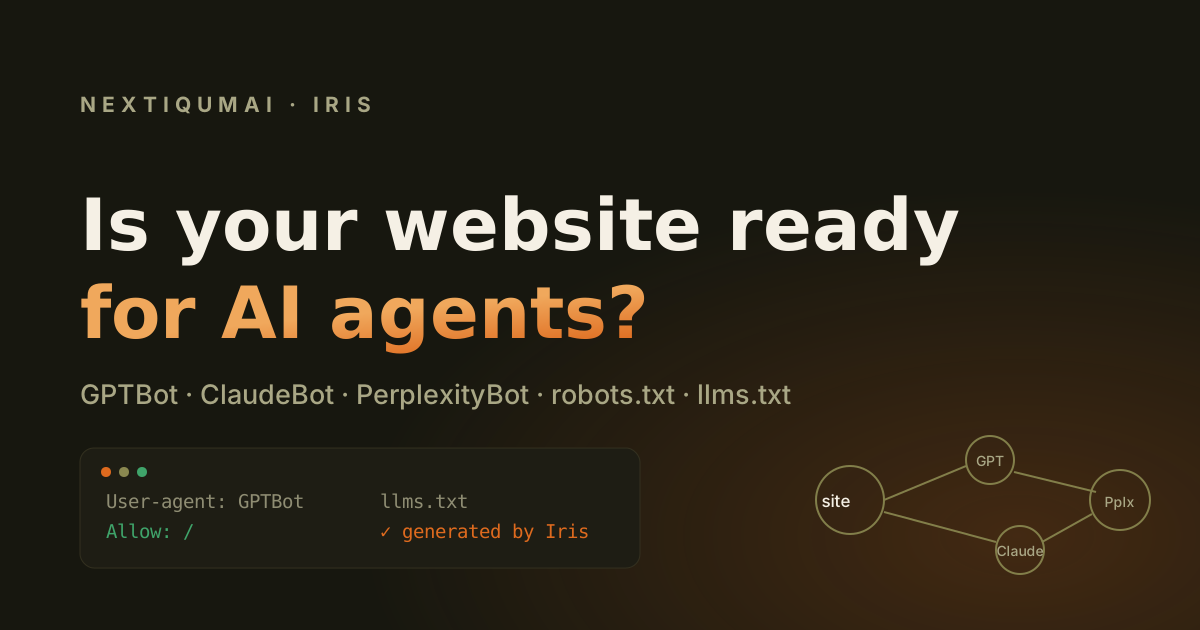
A growing share of your next visitors will never see your website. They will ask ChatGPT, Claude, Perplexity or an AI agent acting on their behalf, and the agent will read your site for them — if it can. Whether it can is decided by three unglamorous files: your robots.txt, your sitemap, and an emerging one called llms.txt. Most sites have never checked any of them from an AI crawler's point of view. This guide shows you how, in about ten minutes, and how to fix what you find.
What is an AI agent, and why does it read my site differently?
An AI agent is software that fetches and reads web pages on a user's behalf — the crawler behind ChatGPT's answers, Perplexity's citations, or an autonomous assistant comparing suppliers. Unlike a human, it never squints at your design: it reads your raw HTML, your robots.txt rules, and your structured data. A page that renders beautifully in a browser can be a locked door to an agent, and you will never see the lost visit in your analytics, because the visit never happened.
Which AI crawlers matter in 2026?
Five user-agents cover most of the AI traffic that can send you customers:
- GPTBot — OpenAI. Feeds ChatGPT browsing and model training.
- ClaudeBot — Anthropic. Feeds Claude's web answers.
- PerplexityBot — Perplexity, the answer engine that cites sources most aggressively.
- Google-Extended — Google's switch for Gemini and AI Overviews training (separate from classic Googlebot).
- CCBot — Common Crawl, the public dataset many models train on.
Blocking all of them is a legitimate choice for some businesses. Blocking them by accident — usually via a years-old blanket rule a previous developer added — is how sites disappear from AI answers without anyone deciding it.
How do I check what my robots.txt tells AI crawlers?
Open yourdomain.com/robots.txt and look for the five user-agents above. Three outcomes are possible for each: explicitly allowed, explicitly blocked, or not mentioned — in which case the crawler follows your default User-agent: * rules. The trap is the default: a Disallow: / under *, added long ago to keep some scraper out, silently blocks every AI engine that has no rule of its own.
What is llms.txt and do I need one?
llms.txt is a plain-text file at your site root that tells AI systems, in readable Markdown, what your site is and which pages matter most — a sitemap written for language models instead of search engines. It cannot rescue a badly structured site, but it is a cheap, growing signal: when an agent lands on your domain, it is the one file designed to orient it. A good llms.txt lists your key pages with real titles and one-line descriptions, states plainly what your product does, and clears up anything ambiguous about your name — which matters more than you think once an AI is paraphrasing you.
Does my sitemap matter to AI engines too?
Yes, for freshness. Answer engines prefer recently confirmed content, and a sitemap whose lastmod dates are years old — or missing — tells them your site may be abandoned. Keeping lastmod honest is one of the cheapest trust signals you can send.
How do I check all of this in one pass?
You can do it by hand with the steps above, or let a tool read the same files. A whole-site scan with Iris includes an Agent-Ready check: it reads your robots.txt rules for GPTBot, ClaudeBot, PerplexityBot, Google-Extended and CCBot and reports each as allowed, limited or blocked; it checks your sitemap's freshness; and it looks for your llms.txt. If you do not have one, Iris writes your llms.txt for you from the pages it just scanned — real titles, real URLs, real descriptions, grouped by page type, ready to paste at your site root. The first single-page audit is free with no signup, so you can see where you stand before deciding anything.
Frequently asked questions
Should I block AI crawlers to protect my content? It is a real trade-off: blocking protects your text from training but removes you from AI answers your competitors will appear in. Decide it deliberately, per crawler — not by inheriting an old blanket rule.
Is llms.txt an official standard? It is an emerging convention, not a ratified standard, but adoption is growing and the cost is one small text file. Sites that have one give agents a cleaner story to tell about them.
Will allowing GPTBot improve my Google rankings? No — classic rankings and AI citations are separate channels. Allowing AI crawlers affects whether answer engines can read and cite you, not your position in the blue links.